
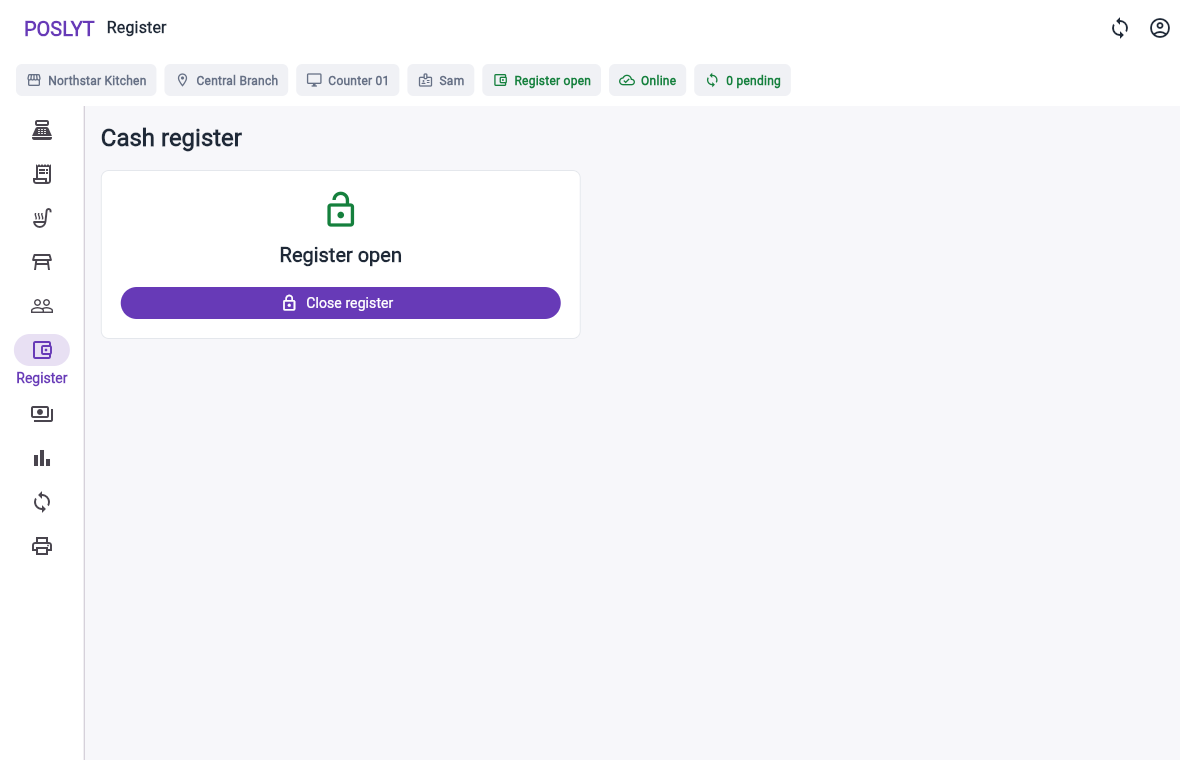
Confirm the operating context
- Check the merchant, branch, terminal, active staff member, and open register.
- Review orders that remain held, open, unpaid, or pending synchronization.
- Resolve failed or rejected commands that affect the expected position.
Reconcile movement and payment totals
- Review cash, recorded external card, split, and pay-later transactions.
- Confirm cash-in, cash-out, refunds permitted online, and recorded expenses.
- Count the physical cash independently before viewing the expected difference.
Record and explain the difference
Enter the counted amount, compare it with the expected position, document the reason for a difference, and make sure the close itself has been saved and synchronized. Keep the closing record tied to the terminal and register session.