
Before service
- Activate and authenticate each terminal while connected.
- Confirm menu, modifiers, tables, permissions, currency, tax, and receipt settings are current.
- Test the available receipt and KOT output on the actual hardware.
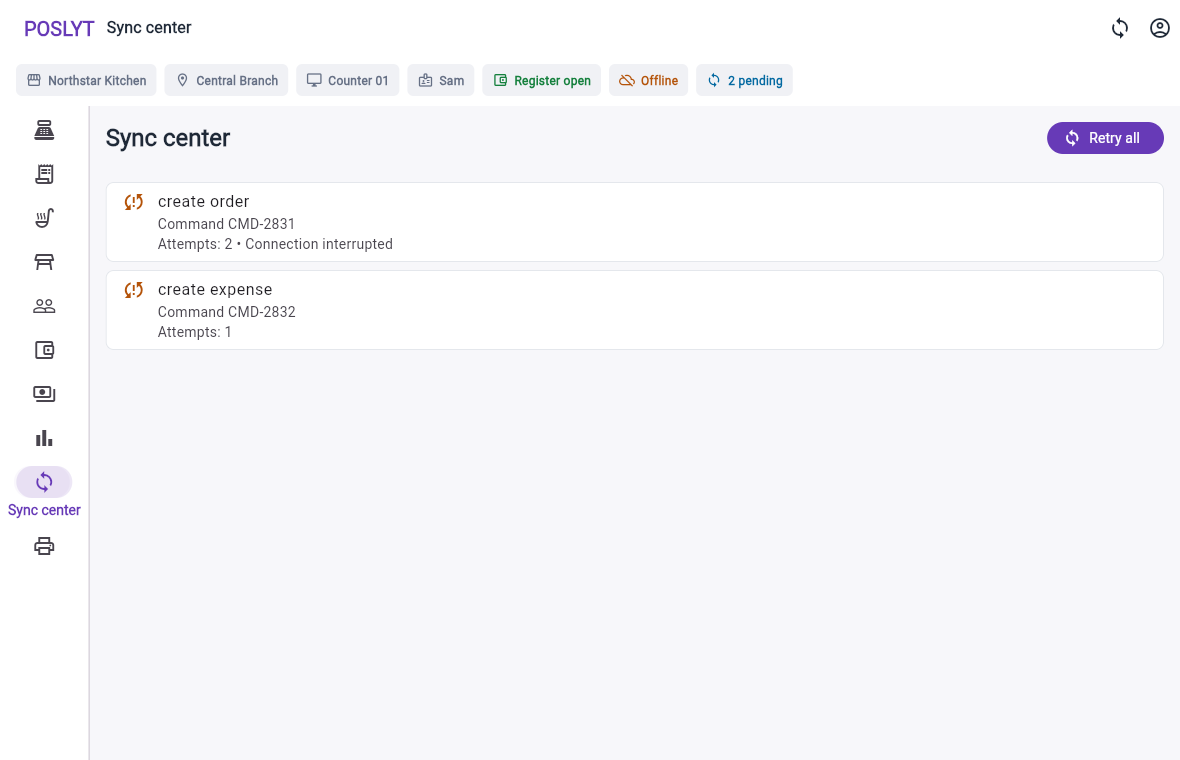
- Train staff to recognise offline, pending, failed, rejected, and synchronized states.
During an outage
- Keep the same command identifier when retrying an order or payment.
- Do not repeat a card transaction without checking the external terminal result.
- Record supported cash, split, pay-later, shifts, expenses, and register activity locally.
- Leave online-only activation, refunds, permission changes, and synced-order deletion until connectivity returns.
When connectivity returns
- Review pending commands before manually recreating any work.
- Resolve rejected commands with the reason shown by the POS.
- Compare expected and actual register positions.
- Confirm submitted orders appear once in the correct merchant and branch Admin view.