
Find and add
Browse categories or search the menu, then adjust quantities in the persistent cart.
Poslyt POS billing
Give counter staff a clear view of the menu, current bill, checkout, kitchen work, register state, and synchronization without loading the shift with management controls.
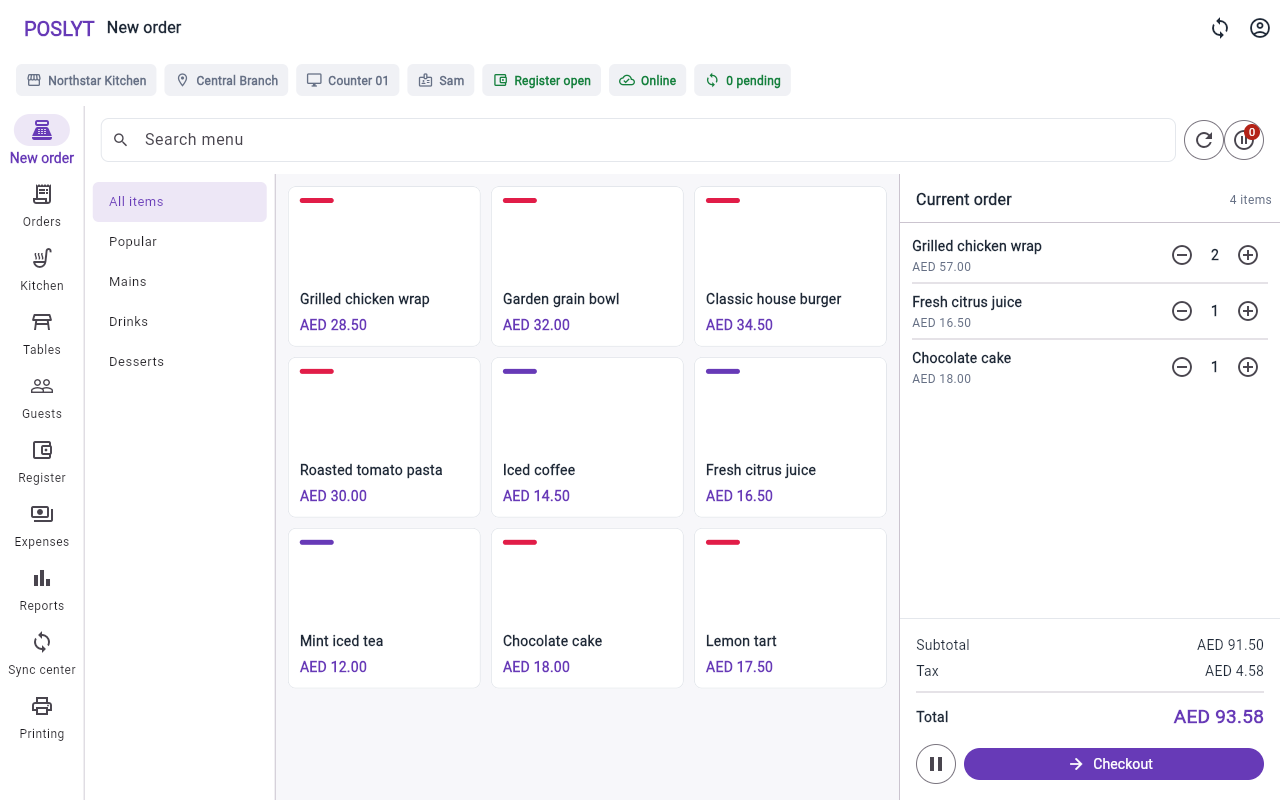
Billing workflow
Each step keeps the transaction, staff context, register state, and connectivity visible.
Browse categories or search the menu, then adjust quantities in the persistent cart.
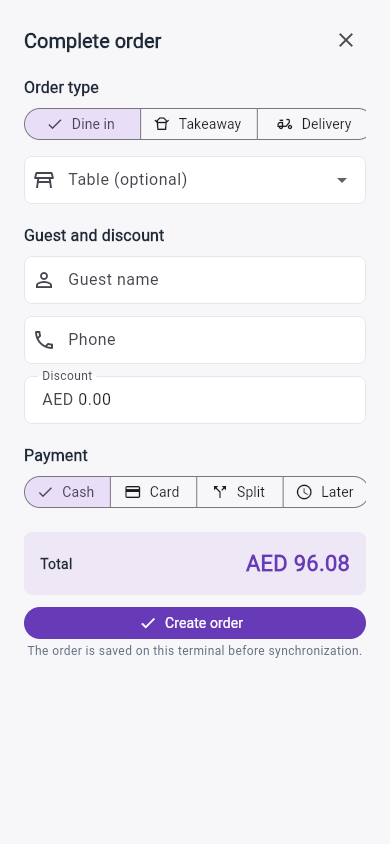
Set dine-in, takeaway, delivery, table, guest, and discount details.
Use cash, split, pay later, or record an external-terminal card result.
Create the order locally, send kitchen work, and use supported receipt output.
Phone checkout
The phone workflow preserves the same order-type, table, guest, discount, and payment choices in a layout designed for quick scanning.
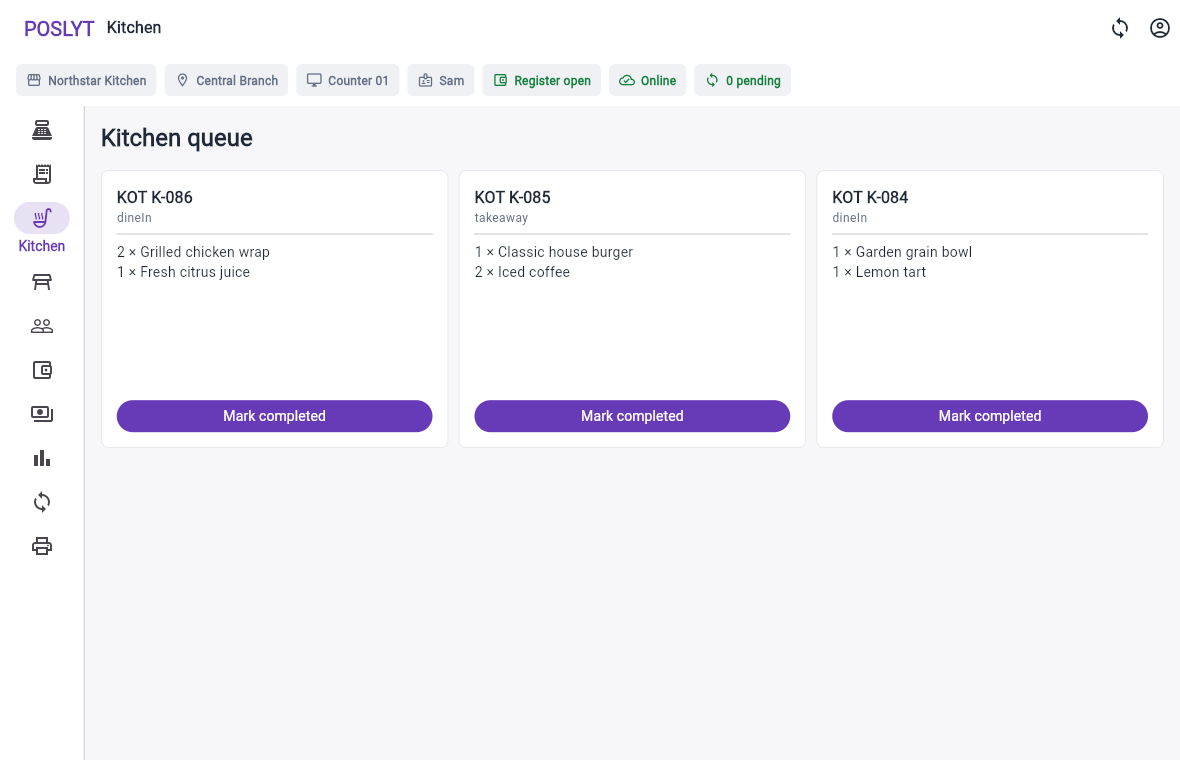
Kitchen operations
The queue separates active tickets, lists line quantities clearly, and gives kitchen staff one direct completion action.
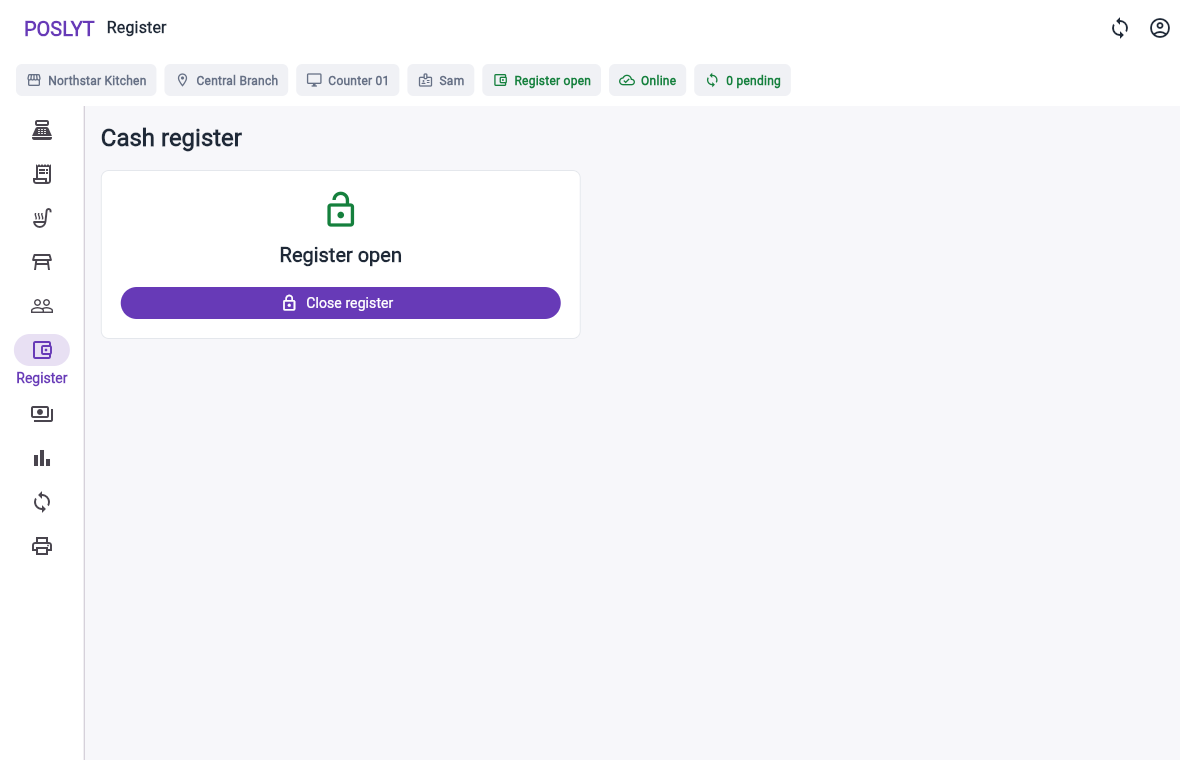
Shift resilience
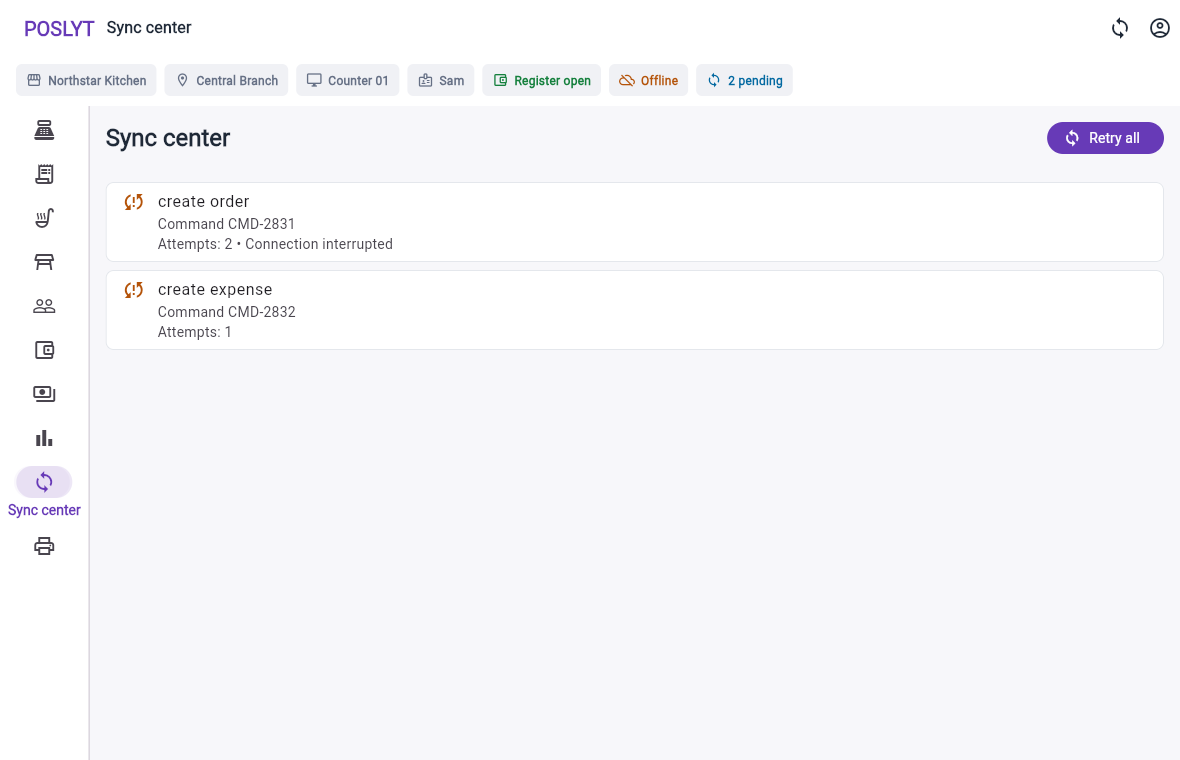
The POS tells staff when work is local, pending, rejected, or synchronized, while register controls remain tied to the active terminal.
Operational coverage
Assign configured tables and retain them with active orders.
Hold local carts with stable identifiers and restore them to billing.
Attach supported guest details without interrupting the order flow.
Capture supported expenses locally and synchronize them with register context.
Counter staff can change operational availability while full menu editing stays in Admin.
Show only the thermal, system, PDF, browser, or network paths available on the device.
Management companion
Menus, staff permissions, branches, taxes, receipt settings, and terminal activation stay away from the counter while changes synchronize to the correct merchant and branch.
We will focus the demo on order flow, checkout, kitchen, printing, register control, and connectivity.